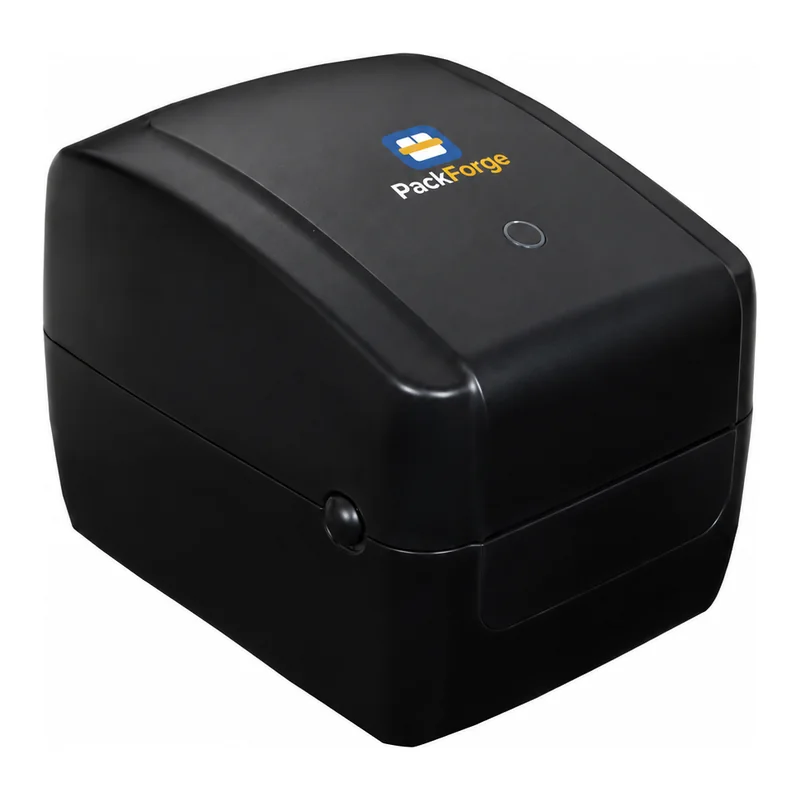
PackForge 4 Inch Thermal Label & Barcode Printer (USB + Bluetooth)
SKU: PF-TLP4UB
by PackForge
₹10,228+ ₹1,841 GST₹15,740
Save ₹5,512 (35% OFF)
From unboxing to a clean, readable code on a pouch, bottle or carton. These are the steps and habits that matter on PackForge 12.7 mm and 25.4 mm handheld coders with the 4.3-inch touch screen.
Price + 18% GST · free delivery across India · Buy Now or Add to Cart
SKU: PF-TLP4UB
by PackForge
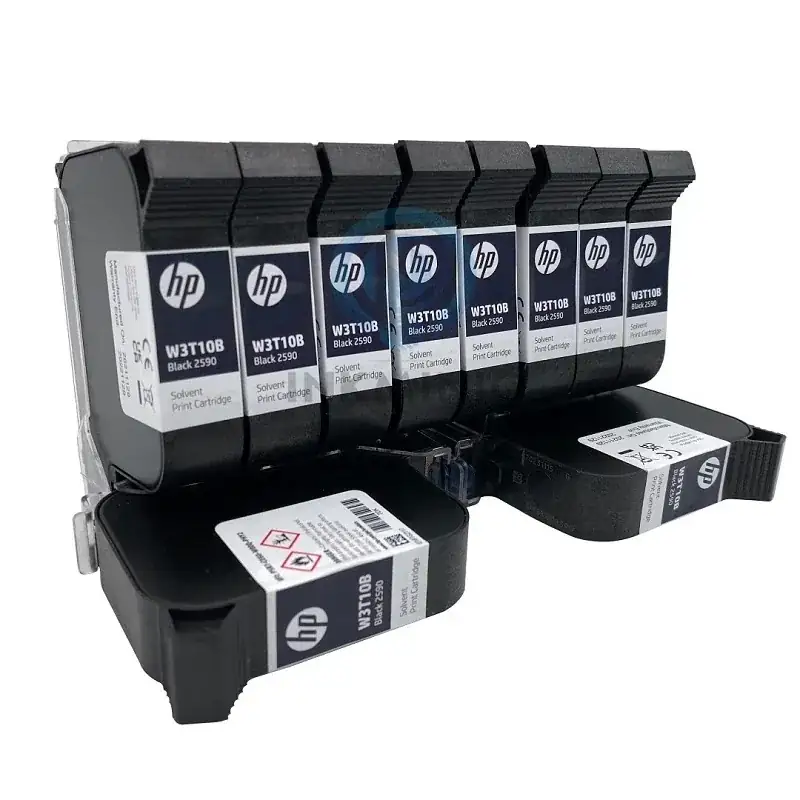
SKU: PF-INK2590
by PackForge
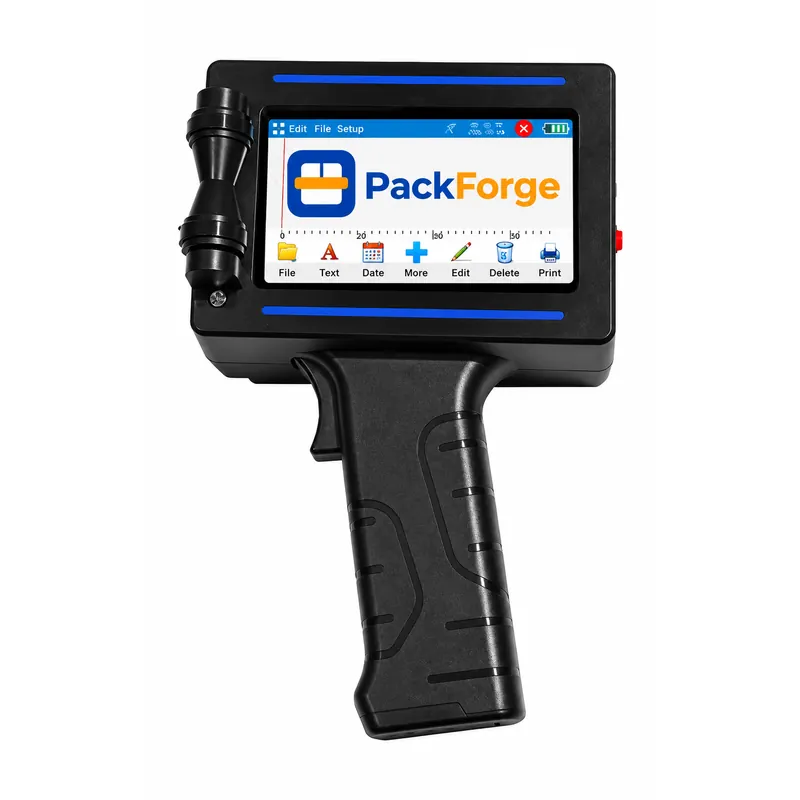
SKU: PF-HIP-01
by PackForge ( Imported )
SKU: PF-HIP-02
by PackForge ( Imported )
SKU: PF-HIP-03
by PackForge ( Imported )
SKU: PF-HIP-04
by PackForge ( Imported )
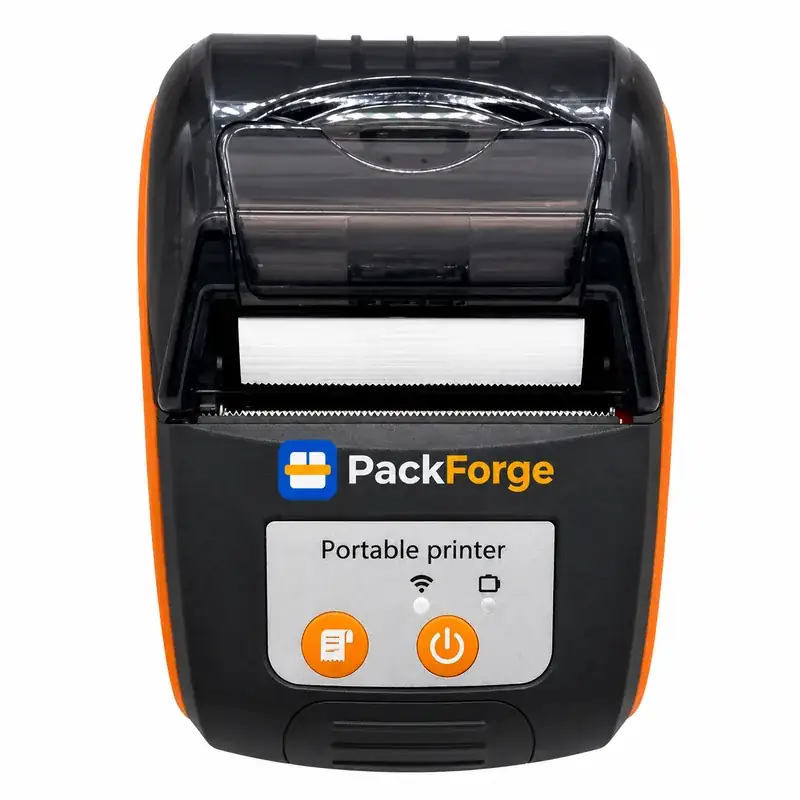
SKU: PF-MPRHK
by PackForge ( Made in India )
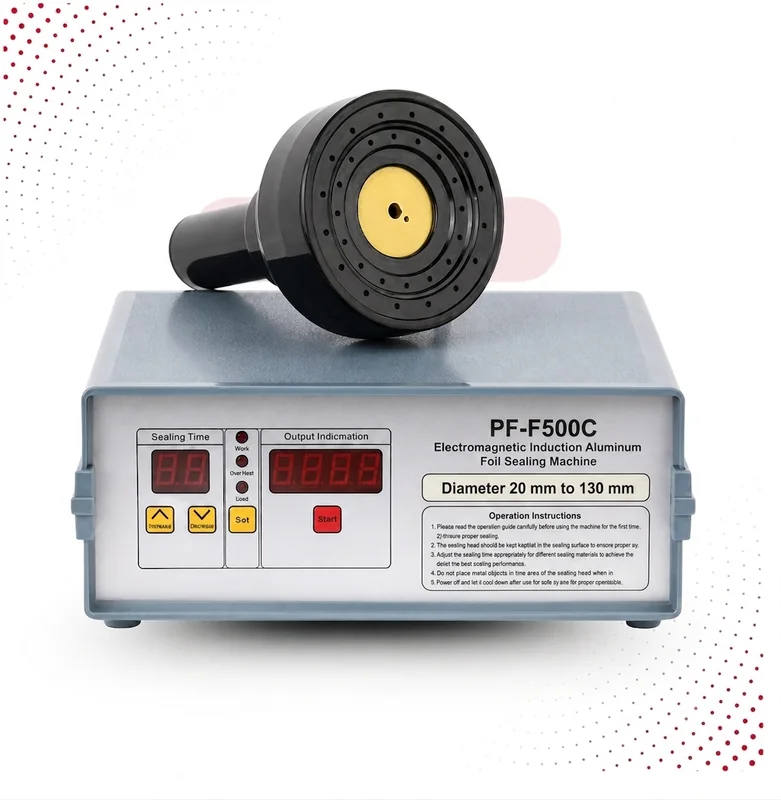
SKU: PF-IND-130
by PackForge ( Made in India )
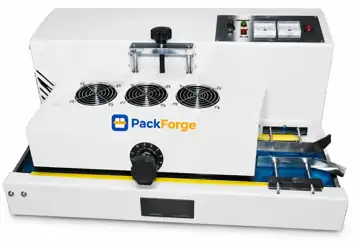
SKU: PF-IS200
by PackForge ( Made in India )
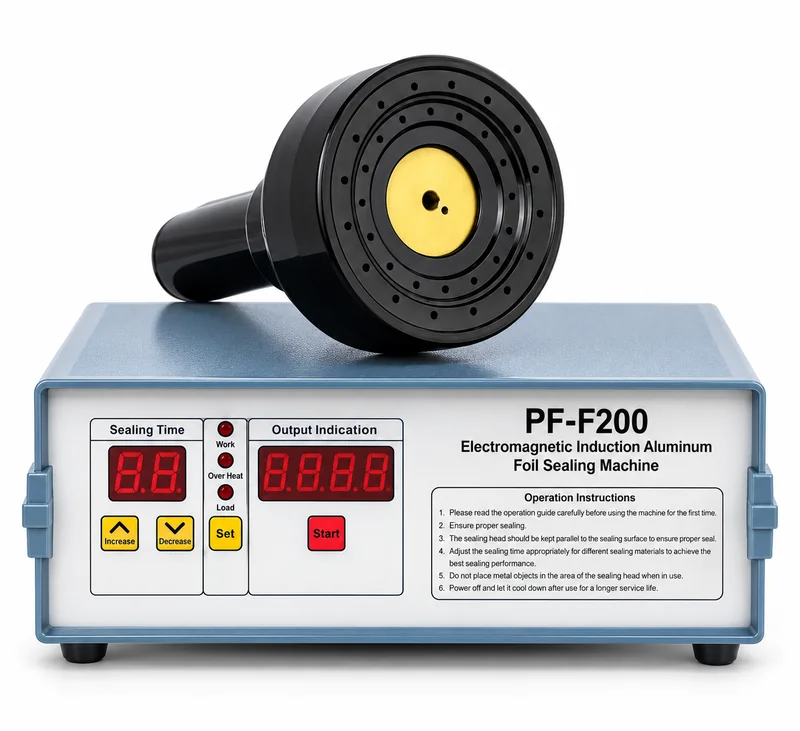
SKU: PF-IND-080-HD
by PackForge ( Made in India )
A PackForge handheld coder arrives with the printer, one quick-drying black solvent ink cartridge and the charger. Before the first job:
Dates change by themselves from the printer clock, so set the clock correctly once and check it after a long power-off.
All four PackForge handheld models have the same 4.3-inch touch screen and work the same way. They differ in print height and body.
| Model | Print height | Body | Rate |
|---|---|---|---|
| 12.7mm handheld inkjet printer, plastic body | 12.7 mm | Hard plastic | ₹8,835 + ₹1,590 GST |
| 12.7mm handheld inkjet printer, metal body | 12.7 mm | Metal | ₹10,530 + ₹1,895 GST |
| 25.4mm handheld inkjet printer, plastic body | 25.4 mm | Hard plastic | ₹15,210 + ₹2,738 GST |
| 25.4mm handheld inkjet printer, metal body | 25.4 mm | Metal | ₹16,905 + ₹3,043 GST |
These printers are imported and supplied with a GST invoice by PackForge, Faridabad. Every coder and its rate is on the inkjet printer price list.
The cartridge is both the ink tank and the print head, so most print problems start at its nozzles. Solvent ink is made to dry fast, which is good on the pack and bad on an open nozzle.
If codes come out faint or patchy after a break, follow inkjet printer cartridge not printing before you change the cartridge.
| Problem | Likely cause | Fix |
|---|---|---|
| Letters stretched or squashed | Uneven rolling speed | Roll at one steady pace without stopping |
| One line missing | Dry or dirty nozzles | Wipe the nozzle plate; print a few test codes |
| Code smears | Wet or oily surface, or water-based ink | Dry the surface; use solvent ink on film and glass |
| Wrong date printed | Clock or expiry offset set wrong | Correct the clock and the EXP setting |
| Printer will not start | Flat battery | Charge with the adapter in the box |
For what the code must contain on food and FMCG packs, see what to print in batch coding.
Call +91 95822 69346 or WhatsApp a photo of the code if a new cartridge still prints badly, the screen does not respond, or the printer does not charge. Warranty terms are as written on the invoice; the ink cartridge is a consumable. For a line where packs move on a conveyor all day, an online batch coding machine is the better tool. The full range is on the handheld inkjet printer page.
Send us your pack type, the text you need to print and how many packs a day. We will suggest the print height and body that fit.
Add an EXP date field to the message and set how many days ahead of the current date it should be. The printer reads its own clock, so the MFG and EXP dates move forward by themselves each day.
The printer was rolled at an uneven speed or stopped half-way. Keep it flat on the pack and roll across in one steady movement. Practise on a few spare packs first.
Cartridge ka cap hata kar printer mein lagayein, on karein aur screen par batch, MFG, EXP aur MRP ka message banakar save karein. Printer ko pack par seedha rakh kar ek hi speed se chalayein.
Yes, with the quick-drying black solvent cartridge that comes in the box. It holds on laminated pouches, PET and HDPE bottles, glass, metal and foil. Keep the spot dry and free of oil and dust.
About 8 hours of normal use per full charge on the 12.7 mm models, depending on how much you print. Charge it from the adapter in the box before a long run.
Yes. Logos are loaded as BMP images from a pen drive through the USB port, and barcodes and QR codes are built on the touch screen. Use a higher DPI setting for small QR codes.
Subscribe with your email for first-order offers, deals and new arrivals.
Main machines
Carton Sealing Machine|Impulse Sealer|Heat Sealing Machine|Hand Sealing Machine|Strapping Machines and Tools|Stretch Wrapping Machines|Continuous Band Sealing Machine|Cup Sealing Machine|Induction Sealing Machine|Handheld Inkjet Printer
By product range
Fully Automatic Strapping Machines|Semi Automatic Strapping Machines|Low Table Top Strapping Machines|Pneumatic Strapping Tools|PP Strap Rolls|Strapping Machine Spares|Semi Automatic Carton Sealing Machines|Compact Carton Sealing Machines|Automatic Random Carton Sealing Machines|BOPP Tape Rolls|Carton Sealer Spares|Box Wrapping Machines with Top Press|Turntable Stretch Wrappers|Stretch Film Rolls|Wrapping Machine Spares|Hydraulic Hand Pallet Trucks|Drum Carriers & Lifters|Pallet Truck Spares & Wheels|Material Handling Trolleys|Machine Spare Parts
Machines and consumables
Fully Automatic Strapping Machine, PP Strap, Touch HMI|Semi Automatic Strapping Machine, Arch Type, PP Strap|Low Table Top Semi-Automatic Strapping Machine, Compact|Pneumatic strapping tool, PP and PET strap|Machine-grade PP strap|Semi Automatic Carton Sealing Machine, Top & Bottom Tape|Compact Carton Sealing Machine for Small Cartons|Automatic Random Carton Sealing Machine, Auto Size Adjust|Box Wrapping Machine with Top Press, Turntable Stretch Wrapper|Turntable stretch wrapper|Hydraulic Hand Pallet Truck, 2.5 Ton Capacity, Nylon / PU Wheels|Material Handling Drum Carrier & Lifter, 350 kg Capacity|Platform trolleys
Hand sealing machines
Hand Sealer|Poly Bag Sealing Machine|Pouch Sealing Machine|Packet Sealing Machine|Plastic Bag Sealing Machine|Bag Sealing Machine|8 Inch Hand Sealing Machine|12 Inch Hand Sealing Machine|16 Inch Hand Sealing Machine|Foot Sealing Machine|Table Top Sealing Machine|How to Choose a Hand Sealing Machine|Hand Sealer or Band Sealer?
Bengaluru
Packaging Machines in Bengaluru|Carton Sealing Machine in Bengaluru|Hand Sealing Machine in Bengaluru|Cities We Supply
Mobile number must be a valid 10 digit number.
By continuing, you agree to PackForge's Terms & Conditions.
Popular Cities
More Cities
Our support team is here for you. Get in touch for quick assistance!
What do you need the machine to do?
Pick the job closest to yours.
We appoint distributors territory-wise across India and in African markets. Dealer pricing, demo machines and technical training are provided.
Genuine spares and annual maintenance contracts for every PackForge machine, handled by our own service engineers.
A factory quote comes back against the details you send. You are not obliged to order.
What is inside
Scan to ask for the catalogue on WhatsApp

PackForge Industries, a division of Fulcrum Infratech Pvt. Ltd. — Packaging, Sealing & Material Handling Machines
Get a callback and details from PackForge Industries on your mobile quickly.
Enter a valid 10 digit mobile number.
From unboxing to a clean, readable code on a pouch, bottle or carton. These are the steps and habits that matter on PackForge 12.7 mm and 25.4 mm handheld coders with the 4.3-inch touch screen.
Price + 18% GST · free delivery across India · Buy Now or Add to Cart
SKU: PF-TLP4UB
by PackForge
SKU: PF-INK2590
by PackForge
SKU: PF-HIP-01
by PackForge ( Imported )
SKU: PF-HIP-02
by PackForge ( Imported )
SKU: PF-HIP-03
by PackForge ( Imported )
SKU: PF-HIP-04
by PackForge ( Imported )
SKU: PF-MPRHK
by PackForge ( Made in India )
SKU: PF-IND-130
by PackForge ( Made in India )
SKU: PF-IS200
by PackForge ( Made in India )
SKU: PF-IND-080-HD
by PackForge ( Made in India )
A PackForge handheld coder arrives with the printer, one quick-drying black solvent ink cartridge and the charger. Before the first job:
Dates change by themselves from the printer clock, so set the clock correctly once and check it after a long power-off.
All four PackForge handheld models have the same 4.3-inch touch screen and work the same way. They differ in print height and body.
| Model | Print height | Body | Rate |
|---|---|---|---|
| 12.7mm handheld inkjet printer, plastic body | 12.7 mm | Hard plastic | ₹8,835 + ₹1,590 GST |
| 12.7mm handheld inkjet printer, metal body | 12.7 mm | Metal | ₹10,530 + ₹1,895 GST |
| 25.4mm handheld inkjet printer, plastic body | 25.4 mm | Hard plastic | ₹15,210 + ₹2,738 GST |
| 25.4mm handheld inkjet printer, metal body | 25.4 mm | Metal | ₹16,905 + ₹3,043 GST |
These printers are imported and supplied with a GST invoice by PackForge, Faridabad. Every coder and its rate is on the inkjet printer price list.
The cartridge is both the ink tank and the print head, so most print problems start at its nozzles. Solvent ink is made to dry fast, which is good on the pack and bad on an open nozzle.
If codes come out faint or patchy after a break, follow inkjet printer cartridge not printing before you change the cartridge.
| Problem | Likely cause | Fix |
|---|---|---|
| Letters stretched or squashed | Uneven rolling speed | Roll at one steady pace without stopping |
| One line missing | Dry or dirty nozzles | Wipe the nozzle plate; print a few test codes |
| Code smears | Wet or oily surface, or water-based ink | Dry the surface; use solvent ink on film and glass |
| Wrong date printed | Clock or expiry offset set wrong | Correct the clock and the EXP setting |
| Printer will not start | Flat battery | Charge with the adapter in the box |
For what the code must contain on food and FMCG packs, see what to print in batch coding.
Call +91 95822 69346 or WhatsApp a photo of the code if a new cartridge still prints badly, the screen does not respond, or the printer does not charge. Warranty terms are as written on the invoice; the ink cartridge is a consumable. For a line where packs move on a conveyor all day, an online batch coding machine is the better tool. The full range is on the handheld inkjet printer page.
Send us your pack type, the text you need to print and how many packs a day. We will suggest the print height and body that fit.
Add an EXP date field to the message and set how many days ahead of the current date it should be. The printer reads its own clock, so the MFG and EXP dates move forward by themselves each day.
The printer was rolled at an uneven speed or stopped half-way. Keep it flat on the pack and roll across in one steady movement. Practise on a few spare packs first.
Cartridge ka cap hata kar printer mein lagayein, on karein aur screen par batch, MFG, EXP aur MRP ka message banakar save karein. Printer ko pack par seedha rakh kar ek hi speed se chalayein.
Yes, with the quick-drying black solvent cartridge that comes in the box. It holds on laminated pouches, PET and HDPE bottles, glass, metal and foil. Keep the spot dry and free of oil and dust.
About 8 hours of normal use per full charge on the 12.7 mm models, depending on how much you print. Charge it from the adapter in the box before a long run.
Yes. Logos are loaded as BMP images from a pen drive through the USB port, and barcodes and QR codes are built on the touch screen. Use a higher DPI setting for small QR codes.
Subscribe with your email for first-order offers, deals and new arrivals.
Mobile number must be a valid 10 digit number.
By continuing, you agree to PackForge's Terms & Conditions.
Popular Cities
More Cities
Our support team is here for you. Get in touch for quick assistance!
We appoint distributors territory-wise across India and in African markets. Dealer pricing, demo machines and technical training are provided.
Genuine spares and annual maintenance contracts for every PackForge machine, handled by our own service engineers.
A factory quote comes back against the details you send. You are not obliged to order.
What is inside
Scan to ask for the catalogue on WhatsApp